


LogTag Products
LogTag meets the growing demand for cost effective electronic temperature recording devices. Combining state-of-the-art technology and innovative design, the LogTag provides provides a simple and cost-effective solution for accurate time and temperature monitoring. Shown here is the basic TRIX-8 model.
Showing 1–9 of 47 results
-
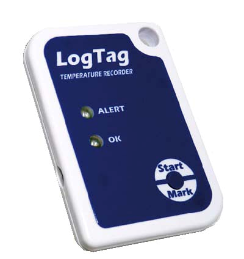
SRIC-4
Starting at $20.00 Select options -
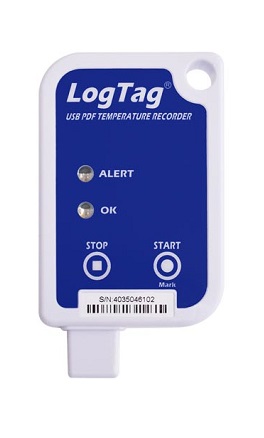
Usric-8
Starting at $25.00 Select options -
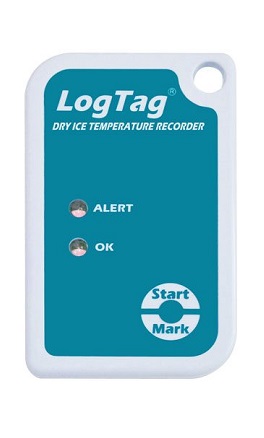
SRIL-8
Starting at $65.00 Select options -
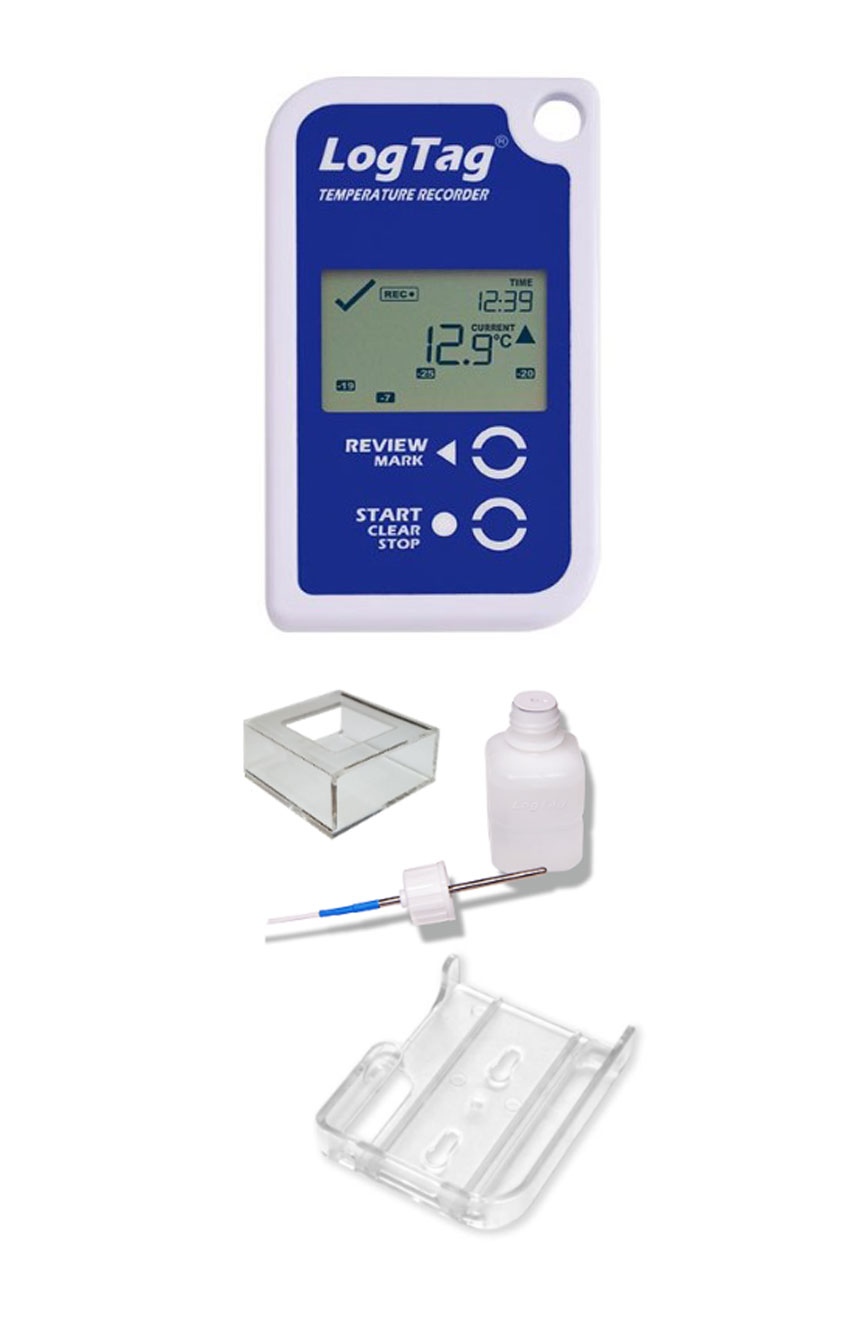
VFC-Kit
$160.00 Add to cart -

Haxo-8
Starting at $69.00 Select options -
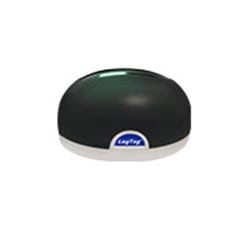
LT-INT-HID Interface Cradle with USB Connection
$49.00 Add to cart -

LT-INT-WIFI Interface Cradle with Wi-Fi Network Communication
Starting at $110.00 Select options -
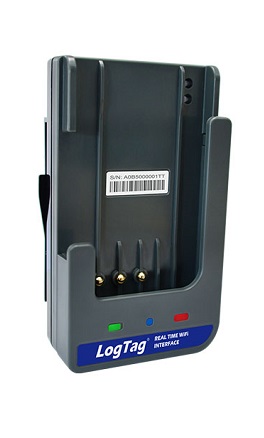
LogTag WM-WiFi Interface Cradle
Starting at $110.00 Select options -
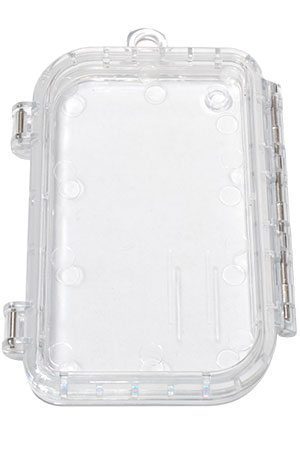
LT-Enclosure
$9.00 Add to cart
Contact Us
Global Sensors

63 McAdenville Rd
Belmont,
NC
28012
Telephone:
(704) 827-4331
Telephone:
(866) 402-8282